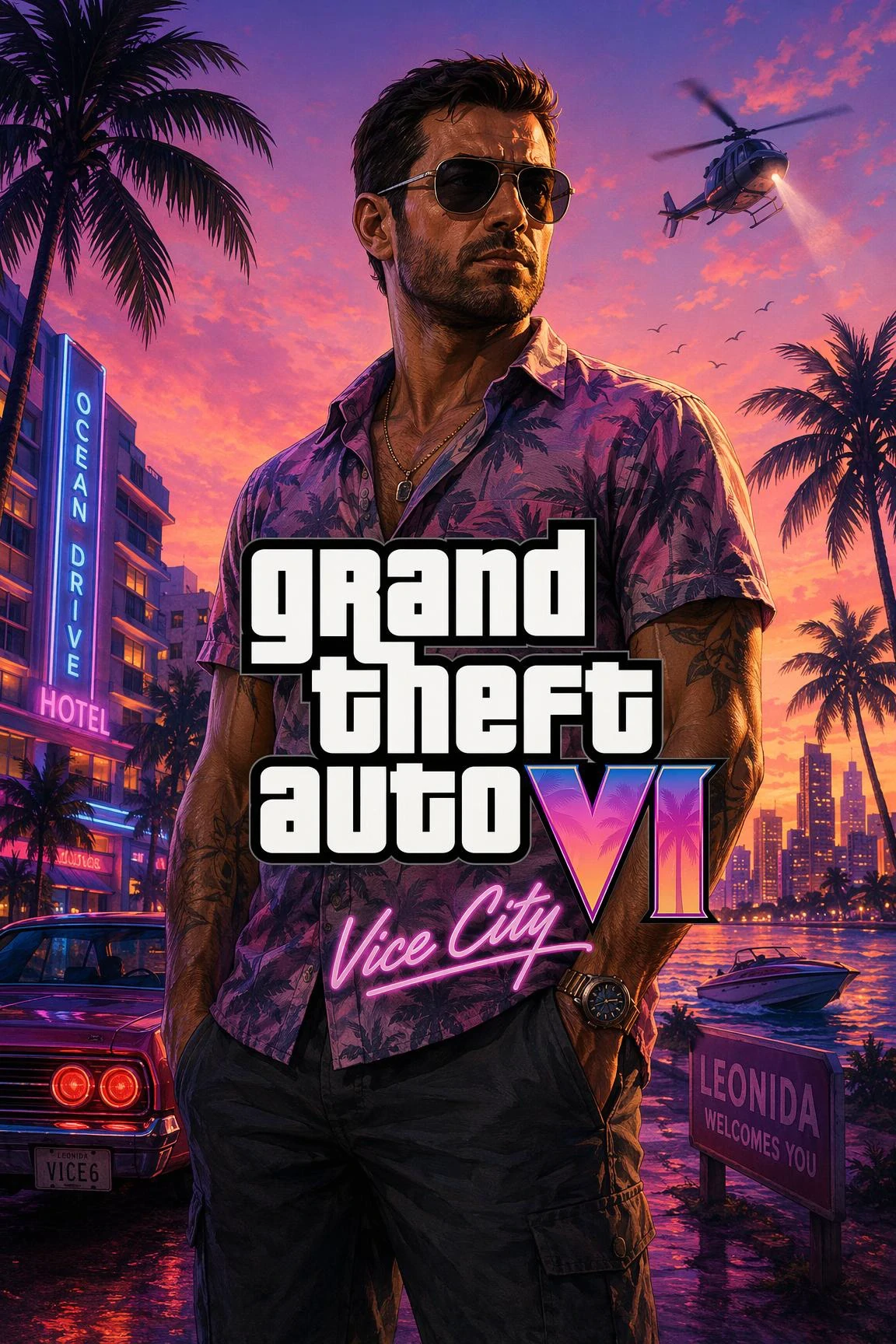
Copy-Paste ChatGPT Prompts

ChatGPT GTA 6 Prompts

Ready-to-paste ChatGPT prompts to turn selfies and couple photos into Vice City key art without losing your face.

GTA 6 Key Art Cover (Upload Selfie)

ChatGPT

Transform the person in this uploaded photo into GTA 6 key art illustration style. Preserve the exact identity, facial structure, hairstyle, and expression of the person in the reference photo; only change the art style, lighting, and background. Semi-realistic painterly digital painting with bold ink contours, warm golden-hour Miami sunset, pastel coral sky, palm tree silhouettes, and retro Ocean Drive vibes. High contrast, 4K poster composition, no text.

Upload a clear front-facing photo in ChatGPT first, then paste this prompt.

GTA 6 Couple / Duo Poster Prompt

ChatGPT Duo

Turn the two people in this photo into a GTA 6 Vice City cover art duo poster. Keep both faces, hairstyles, and proportions strictly faithful to the uploaded photo. Styled in tropical streetwear leaning against a classic 1980s convertible car, warm coral sunset sky, palm trees, crisp semi-realistic game cover illustration shading, cinematic composition, no text or watermarks.

Works best with upper-body duo photos taken in even lighting.

GTA 6 Loading Screen Character

ChatGPT Avatar

Reimagine the subject from this photo as an illustrated GTA 6 loading screen character portrait (1:1 square). Preserve exact facial likeness from the reference photo. Dramatic sunset rim lighting, vibrant painterly cel-shading, coastal boulevard softly blurred in the background, crisp detail, no text.

Add "wearing sunglasses" or "holding a coffee cup" to customize props.

ChatGPT Templates (6)
Prompt · Copy for ChatGPT / Gemini
Template Studio · Character SwapSingle-Person
Upload Character Photo (Required · 1 Person)
Character Clothing
Aspect ratio
Resolution720 × 1280
Quality

Template mode locks the reference style & logo placement, swapping only the character(s).
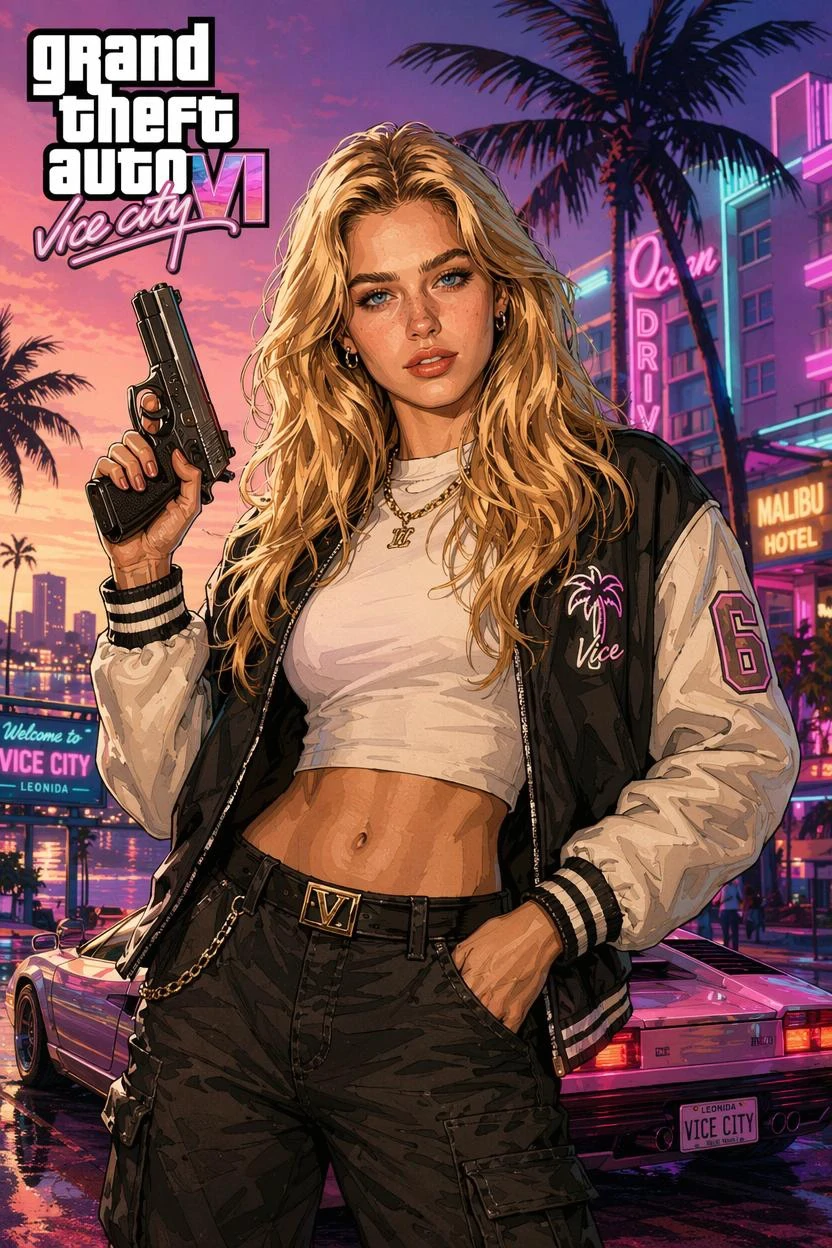
PREVIEW & OUTPUT
GTA Filter example
GTA Filter
Template-locked · Auto-refund

Popular Presets for This Style

Click any preset to load it straight into the studio above.

GTA Filter GTA 6 example
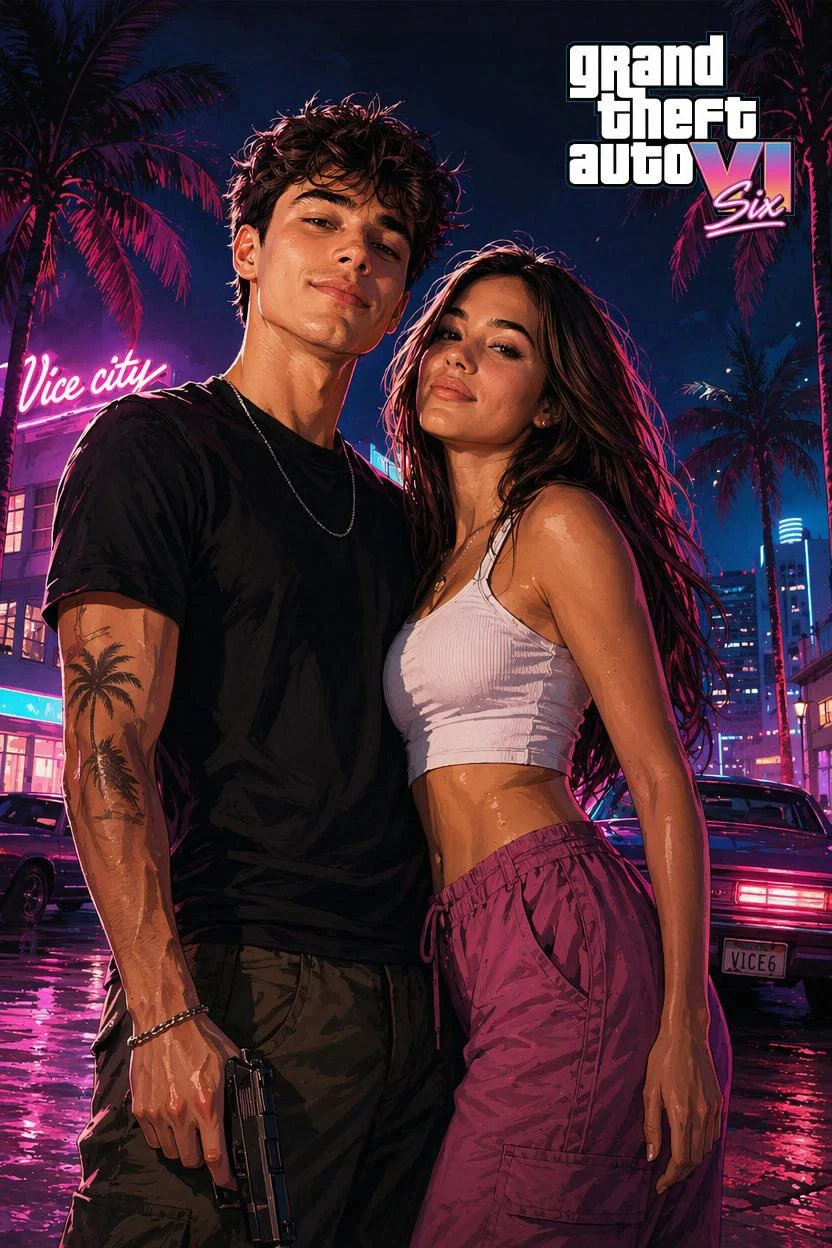
GTA Filter

GTA Criminal Partners GTA 6 example

GTA Criminal Partners

Classic Loading Screen Style GTA 6 example
Classic Loading Screen Style

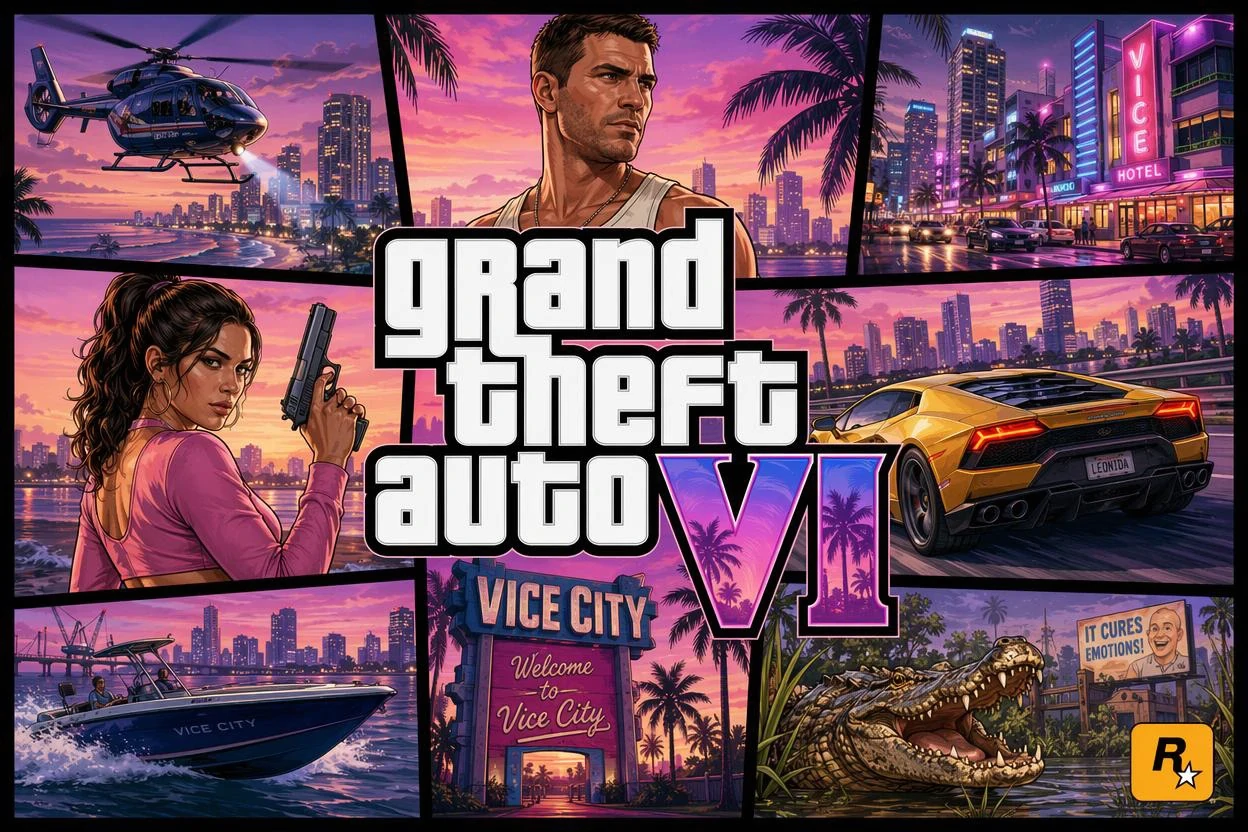
GTA 6 Multi-Panel Cover GTA 6 example

GTA 6 Multi-Panel Cover

How to Use GTA 6 Prompts in ChatGPT

Open ChatGPT with image generation enabled, click the attachment icon to upload a clear front-facing photo first, and then paste one of our copy-ready GTA 6 prompts above. Putting the face-preservation instruction at the start of the prompt prevents ChatGPT from turning you into a generic character.

Notice that all three ChatGPT formulas intentionally close with "no text or watermarks." ChatGPT occasionally misspells small video game logos, so keeping the canvas text-free produces much cleaner Rockstar-grade posters.

Hit rate limits or tired of tweaking ChatGPT retries? Click "Try in Studio" on any card above to run the exact same prompt in our built-in template-locked studio in one click.

Frequently Asked Questions

Why does ChatGPT sometimes refuse GTA 6 trademark prompts?

Strict policy filters occasionally flag explicit studio names or weapons. Our prompts focus on Vice City sunset lighting, bold ink contours, and cel-shaded key art so they run smoothly.

Do I upload my photo before or after pasting the prompt in ChatGPT?

Attach your reference photo in the same message right alongside the copied prompt so ChatGPT reads your facial features immediately.

Can I use these prompts on the free ChatGPT plan?

Yes—though free ChatGPT accounts have strict daily image limits. You can copy unlimited prompts here or use our built-in studio whenever you need faster HD exports.

Which ChatGPT prompt works best for couple photos?

Use the "GTA 6 Couple / Duo Poster Prompt" card above with a clear upper-body duo photo taken in even lighting.