Copy-Paste Gemini Prompts

Gemini GTA 6 Prompts

Style-transfer prompts tuned for Google Gemini to turn selfies, pets, and cars into Vice City key art.

Gemini GTA 6 Style Transfer (Selfie)

Gemini Image

Style transfer this uploaded photo into GTA 6 Vice City cover art illustration while keeping the uploaded person’s face, pose, and proportions clearly recognizable. Rich painterly digital illustration with bold ink outlines, warm Florida sunset sky in coral and amber, palm tree silhouettes, cinematic contrast, clean composition without any text.

Attach your photo in Gemini and explicitly keep "Style transfer" at the start.

Gemini Ocean Drive Sports Car Scene

Gemini 16:9

Re-render the uploaded person in GTA 6 promotional key art style standing next to a retro sports coupe on a palm-lined Miami beachfront road at sunset. Maintain the subject’s exact face and hair from the reference image. Stylized semi-realistic game painting, warm golden-hour rim light, vibrant neon hotel reflections, 16:9 widescreen wallpaper, no logos or text.

Great for desktop wallpapers and YouTube/X banner headers.

Gemini GTA 6 Portrait with Pet / Car

Gemini Custom

Convert this photo into vibrant GTA 6 key art digital painting style. Keep the exact likeness of both the person and their pet/vehicle from the original photo. Bold comic-painterly shading, sunset beach boardwalk background, warm coral and gold highlights, crisp outlines, no text.

Works reliably in Gemini for photos containing both people and pets or vehicles.

Gemini Templates (6)
Prompt · Copy for ChatGPT / Gemini
Template Studio · Character SwapSingle-Person
Upload Character Photo (Required · 1 Person)
Character Clothing
Aspect ratio
Resolution720 × 1280
Quality

Template mode locks the reference style & logo placement, swapping only the character(s).
PREVIEW & OUTPUT
Coastal Convertible Cruise example
Coastal Convertible Cruise
Template-locked · Auto-refund

Popular Presets for This Style

Click any preset to load it straight into the studio above.

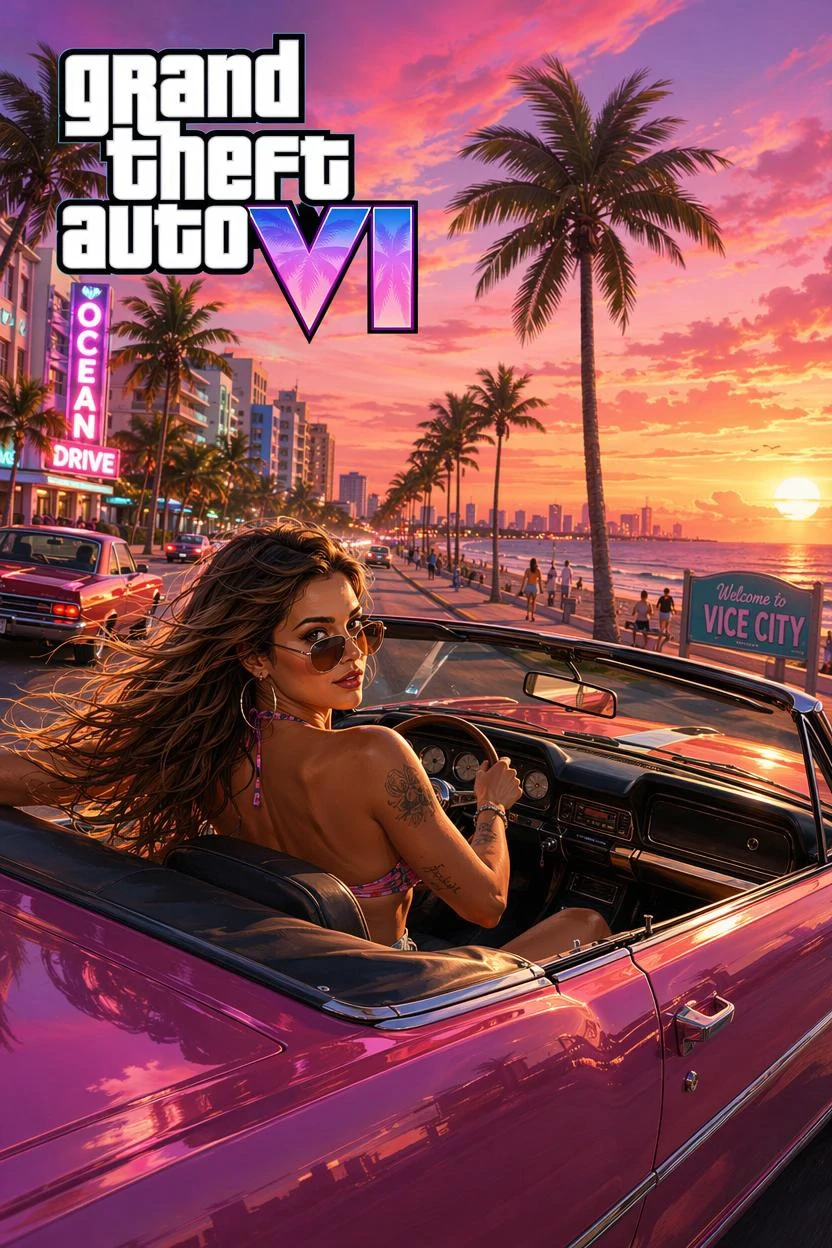
Coastal Convertible Cruise GTA 6 example
Coastal Convertible Cruise

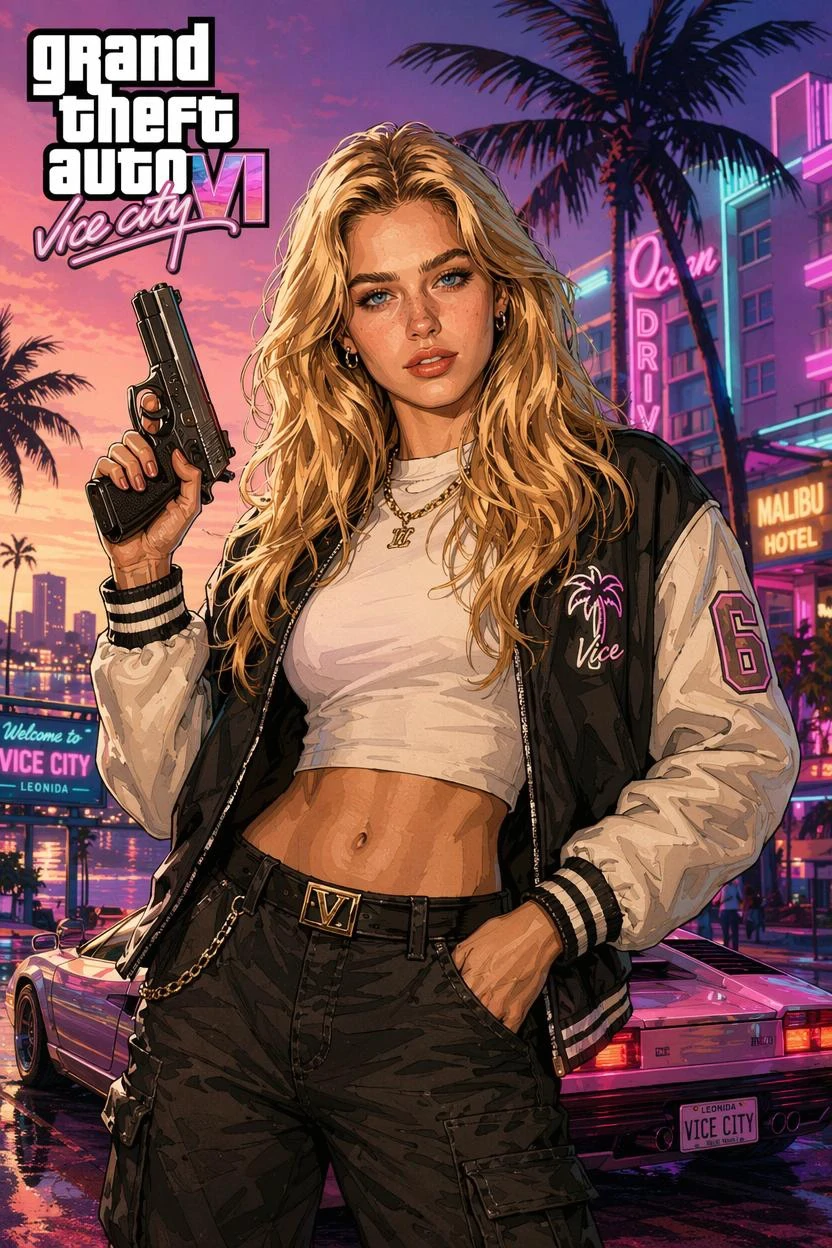
GTA Filter GTA 6 example
GTA Filter

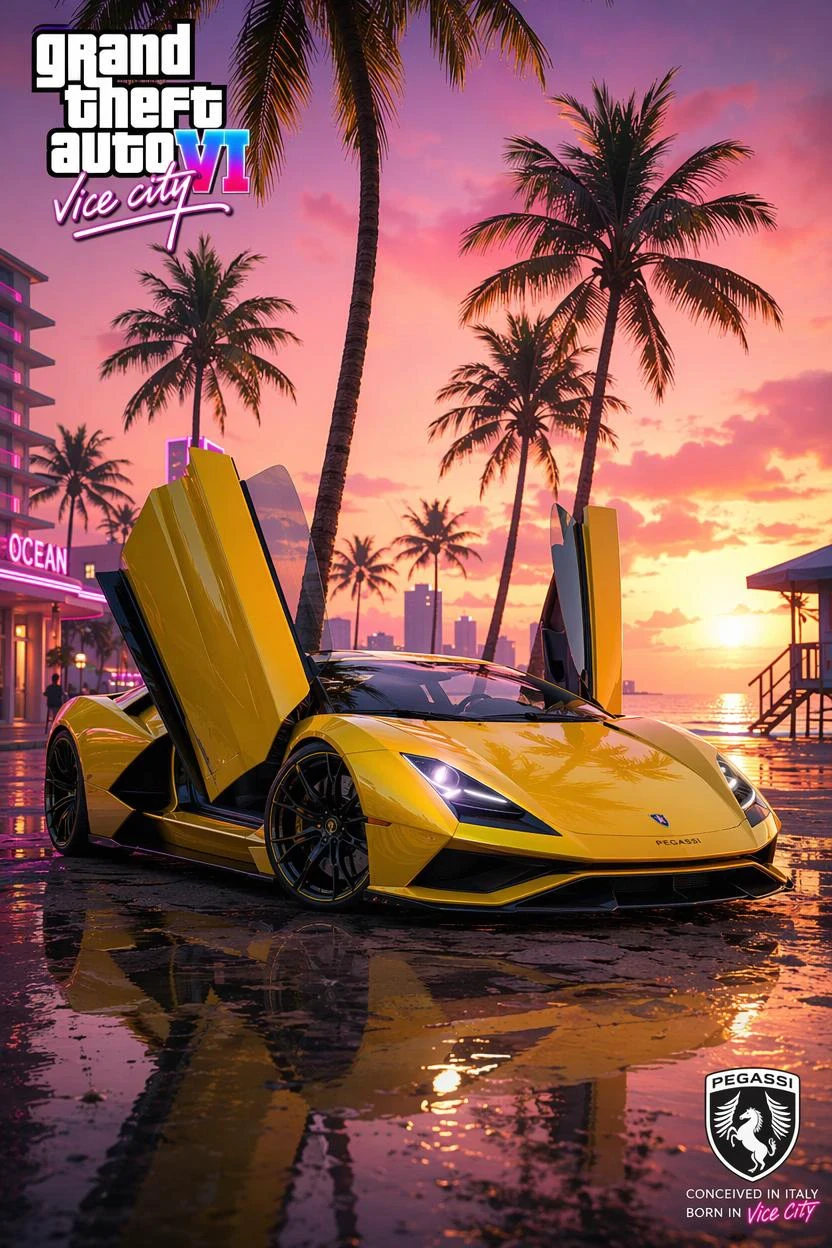
Yellow Pegassi Supercar at Sunset GTA 6 example
Yellow Pegassi Supercar at Sunset

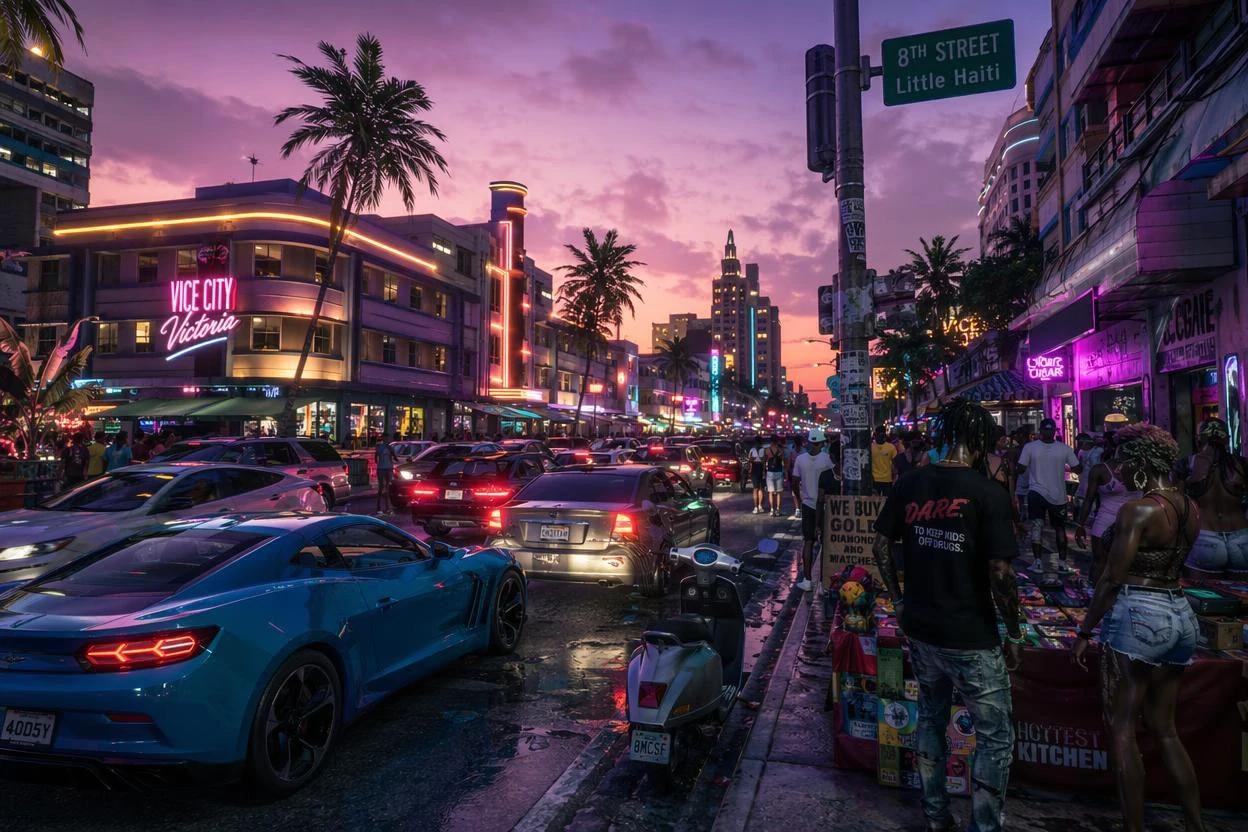
Downtown Vice City Street Dusk GTA 6 example

Downtown Vice City Street Dusk

How to Get Crisp GTA 6 Art in Google Gemini

Google Gemini responds best when you open with explicit "Style transfer this uploaded photo" or "Re-render the uploaded person" phrasing. That keeps Gemini anchored to your exact pose, proportions, and facial likeness instead of hallucinating a brand-new subject.

Gemini is also surprisingly strong at keeping secondary subjects—like your dog, cat, or real car—recognizable alongside you. Try the third prompt above ("Portrait with Pet / Car") to place both yourself and your ride on a sunset Vice City boardwalk.

Want template-locked box art or multi-person duo layouts that Gemini struggles to frame consistently? Click "Try in Studio" on any card to generate directly in our built-in GTA 6 studio below.

Frequently Asked Questions

Why do Gemini GTA 6 prompts use "Style transfer" at the beginning?

Starting with "Style transfer" signals Gemini to preserve the exact geometry and face of your uploaded photo while only repainting texture, lighting, and backdrop.

Can Gemini turn my real car or pet into GTA 6 style too?

Yes! Use the "Gemini GTA 6 Portrait with Pet / Car" prompt above—it explicitly preserves both human and pet/vehicle likenesses.

How do I get a 16:9 widescreen wallpaper in Gemini?

Use the "Gemini Ocean Drive Sports Car Scene" prompt above, which includes 16:9 widescreen framing cues ideal for desktop monitors and YouTube banners.

Can I run these prompts directly on GTA6Prompt?

Yes—click "Try in Studio" on any card to preload the prompt into the generator below.